Volver a recursos
Guía IACrea tu
Crea tu
personaje ++ Outfits
📷 Antes de empezar
Tómate fotos de cuerpo completo en varios ángulos (frente, perfil y espalda) y luego repite esos mismos ángulos con zoom a tu rostro. Así la IA detecta mejor tus facciones y las recrea con más precisión. Aprovecha la luz natural del día y fíjate en que la cámara quede a una altura y distancia que no deforme tu cuerpo. Eso hace toda la diferencia en el resultado 👌
✍🏻 Prompts
Copia y pega los siguientes prompts en tu generador de imágenes de confianza.
Para crear tu personaje pon las fotografías que te tomaste de cuerpo entero y rostro en varios ángulos como referencia, luego copia y pega el prompt.
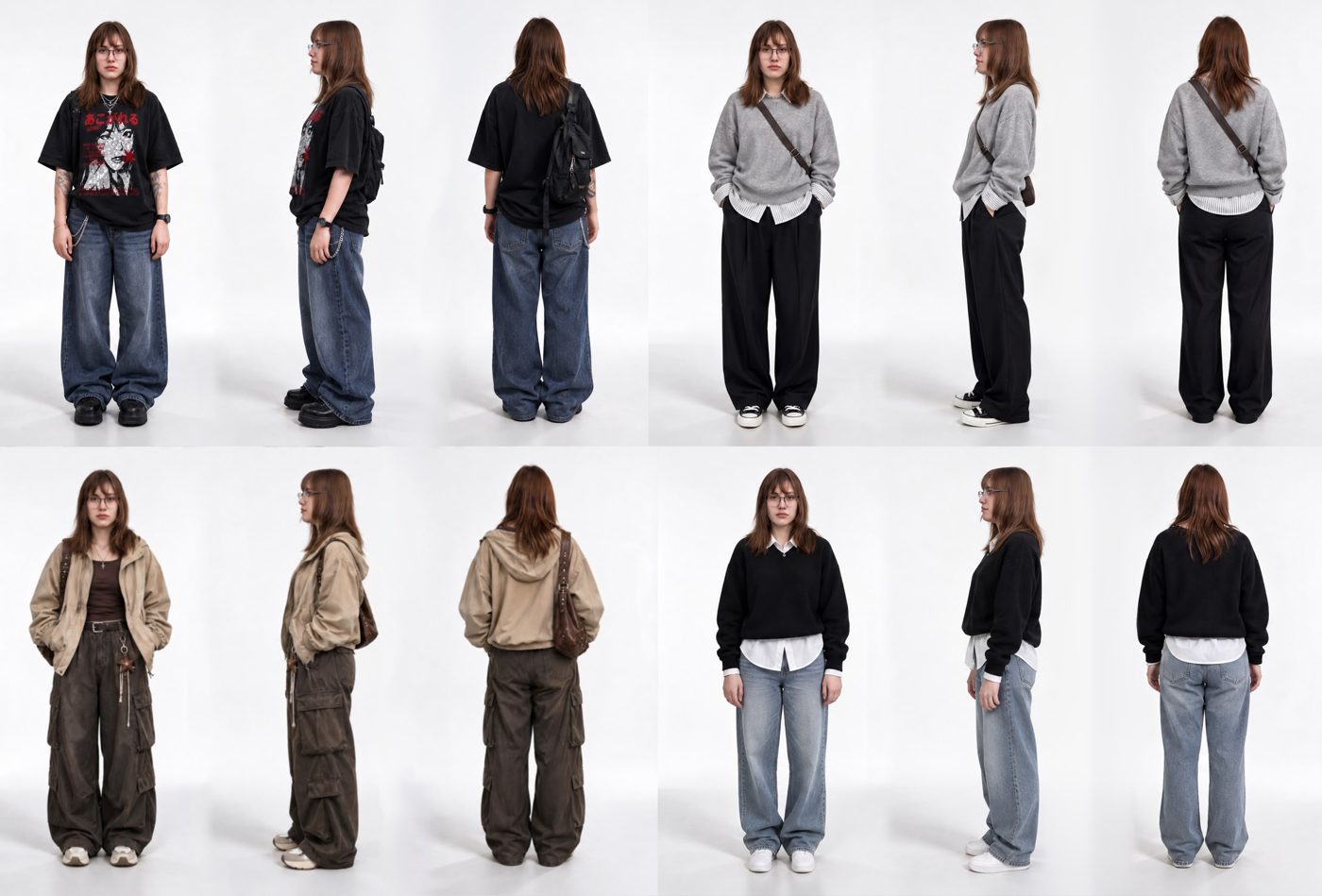
Full body character turnaround of the character from the references.
Exactly three full-body photographs side by side in a single horizontal row: front view, full profile view (body turned 90° facing frame right) and back.
Each shot shows the whole figure from head to toe, feet and shoes fully visible, with space above the head and below the feet.
Same person, same outfit, same lighting and same scale in all three shots.
Neutral upright standing pose, weight on both feet, arms relaxed at her sides, hands empty.
No close-ups, no headshots, no face crops, no extra panels, white background.
⚙️ Configuraciones
Te dejo las configuraciones que yo utilicé para crear mis imágenes.
Para crear tu panel de personaje
- Generador
- Higgsfield AI
- Modelo
- Seedream 5.0 Pro
- Formato
- 3:2
- Calidad
- 2K
Para cambiar tu outfit
- Generador
- Higgsfield AI
- Modelo
- GPT Image 2.5 Sunburst
- Formato
- Automático o 3:2
- Calidad
- Alta / 2K
⚠️ El resultado puede variar dependiendo del modelo utilizado.